
See Your Tint
Before You Book
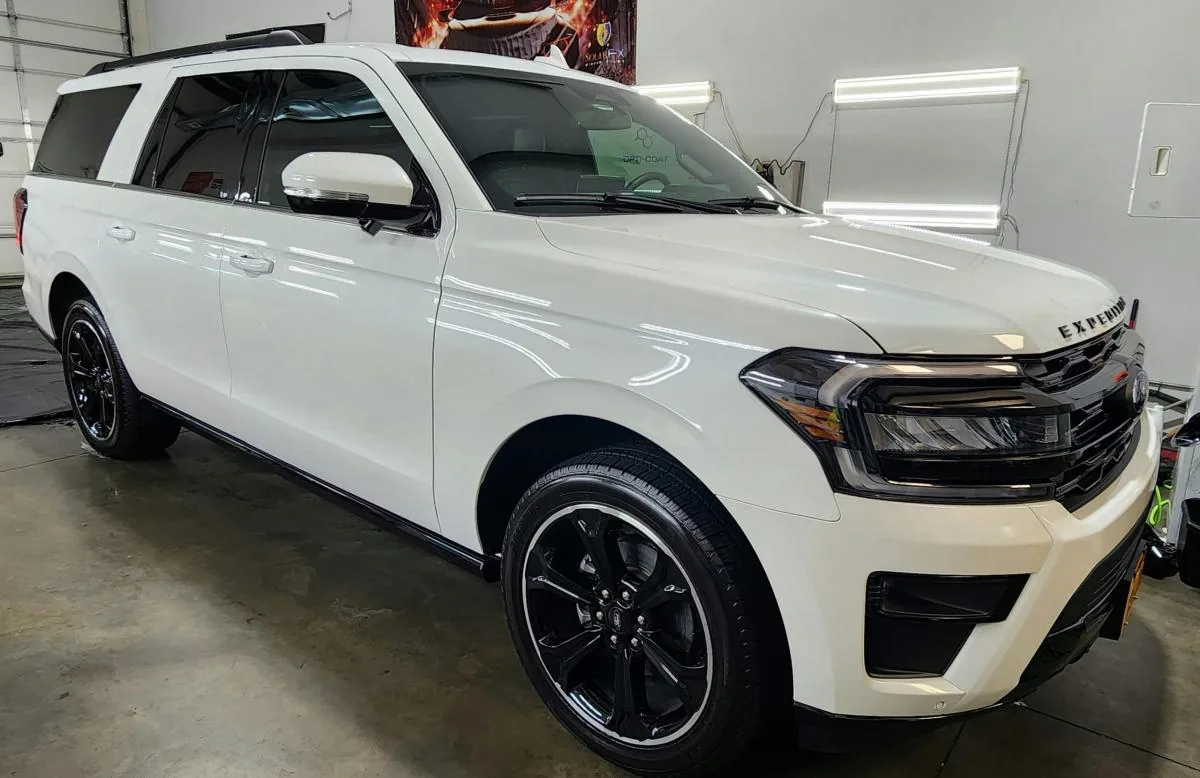
Picking a tint shade off a chart on the wall is a guess. Use the simulator below to put different shades on a car, spin it around, and see exactly what you are getting before you ever drop your vehicle off.
Simulator not loading? Open it in a new tab. Shades shown are a visual guide, not an exact match to installed film.
How to Use It
Pick a shade
Step through the tint levels and watch the windows change in real time. Compare a light shade against a limo tint without guessing from a photo.
Spin the car
Rotate all the way around to see how the shade reads from the front, the side, and the rear glass. That is usually where people change their mind.
Bring it to us
Tell us the shade you landed on when you call or send a message, and we will quote your vehicle and talk through Virginia's tint law.
Shade Is Only Half the Decision
The simulator shows you how dark a shade looks. What it cannot show you is how the film performs, and that comes down to which film you pick.
We install Standard, Carbon, and Ceramic film. They can look nearly identical from the curb and behave very differently in July traffic, so it is worth knowing the difference before you book.
Found Your Shade?
Tell us what you picked and we will quote your vehicle. Same shop, same owner, since 2015.